A repeater will only answer when the radio knows four things: what to listen on, how much lower to transmit, which tone to send, and which number to store it under. I show this on Wanda in Kawęczyn: from the keypad, in Yaesu and Icom menus, in CHIRP, and finally a test before the first QSO.
That’s what the repeater transmits on, so that’s what you listen on. This is the one you enter in the radio. Wanda: 145.750 MHz.
−0.6
Offset
How much lower you transmit. In Poland on 2 m it’s −600 kHz, on 70 cm −7.6 MHz. The minus is as important as the number.
Hz
CTCSS tone
An inaudible tone under your voice. Without it a tone‑protected repeater simply won’t open. Wanda: 127.3 Hz.
M
Channel and name
A memory number and a short name, e.g. SR5W. Then you switch channels instead of keying in digits.
How to read an entry from the list
On the repeater list Wanda is SR5W · 145.750 · −0.6 · 127.3 Hz. The first number is the repeater output, i.e. your receive. The input you transmit on follows from the offset: 145.750 − 0.600 = 145.150 MHz. You don’t enter that second number; the radio will calculate it itself.
In Poland it’s almost always minus: on our list 77 of 84 2 m repeaters have a −600 kHz offset, and 306 of 309 on 70 cm have −7.6 MHz.
The CTCSS tone is often missing from lists. If so, check the keeper’s page or use the tone search that most radios have (Tone Search, CTCSS Scan).
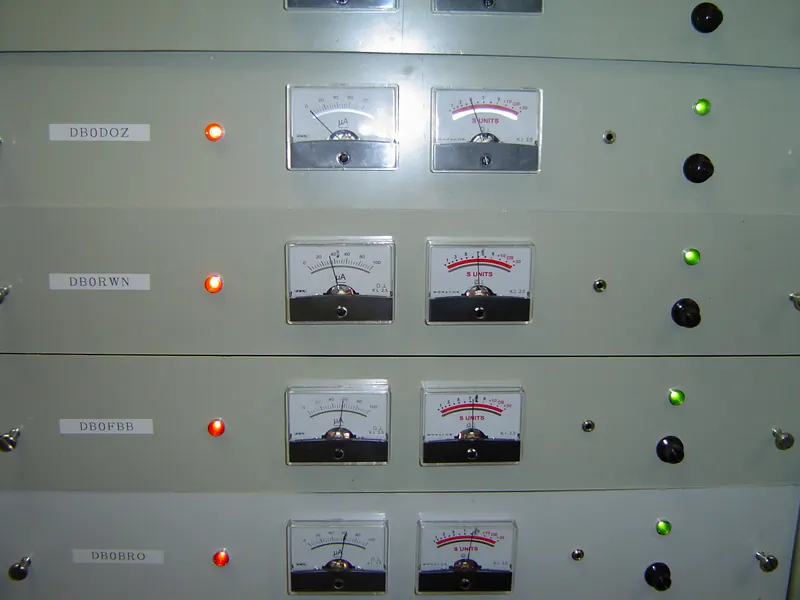
DB0QH / DB0HSK repeater site · photo by Axel Schwenke, CC BY-SA 2.0, Commons
How it works
You listen on one, transmit on the other
The repeater hears you on 145.150 and at the same moment transmits it on 145.750 from the Kawęczyn chimney, 305 m above ground. On one frequency it would de‑sense itself. That’s why, when you press PTT, the radio automatically goes down by the offset, and when you release it, it returns to receive.
The CTCSS tone works like a key: the repeater reacts only to a signal with the correct tone, so random interference won’t open it.
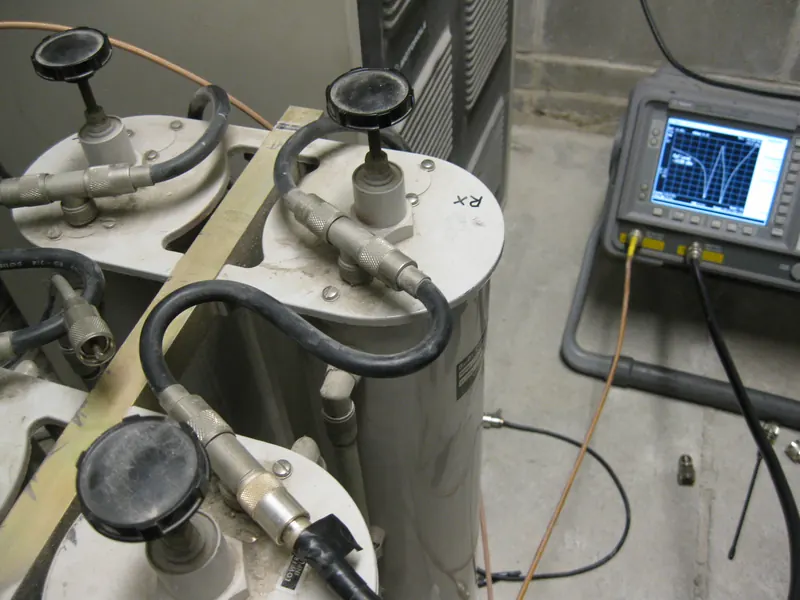
145 MHz repeater duplexer: the filters that let it transmit and receive at once · photo by Sterling Coffey, CC BY 2.0, Commons
Step by step
From the keypad: Wanda in five steps
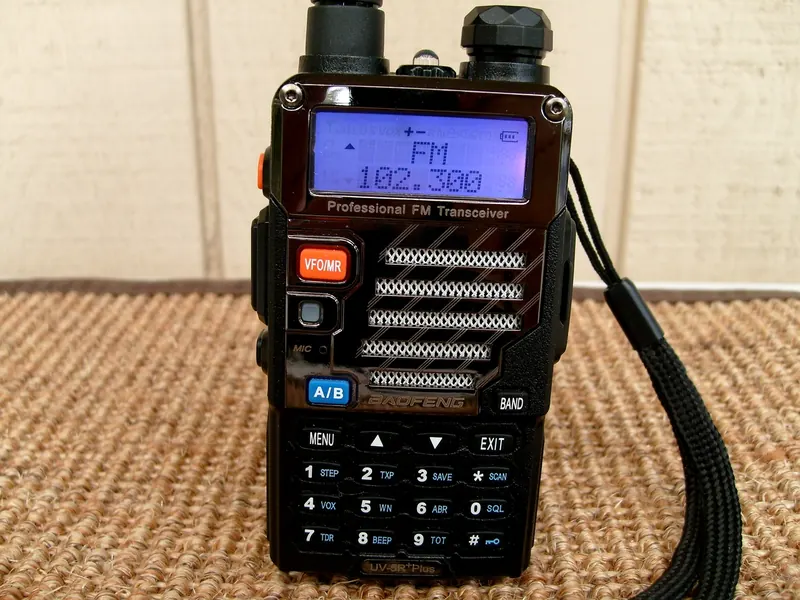
Example on a Baofeng UV‑5R, the most popular starter radio. In other models the order is the same; only the menu names change.
Frequency mode. With VFO/MR leave the channels and enter 145750. The display should show 145.750.
Offset direction.MENU 25 SFT-D → −. A minus sign will appear above the frequency.
Offset value.MENU 26 OFFSET → 00.600. On 70 cm: 07.600.
Transmit tone.MENU 13 T-CTCS → 127.3. Leave the receive tone (R-CTCS) alone.
Save.MENU 27 MEM-CH → a free number → MENU. Return to channels with VFO/MR and check the channel is there.
Baofeng UV-5R Plus · photo by James Case, CC BY 2.0, Commons
the table scrolls sideways →
Setting
Baofeng UV-5R
Yaesu FT5D
Icom ID-52E PLUS
Offset direction
MENU 25 SFT-D
CONFIG → RPT SHIFT: -RPT
QUICK → DUP → DUP−
Offset value
MENU 26 OFFSET
CONFIG → RPT SHIFT FREQ
SET → DUP/TONE → Offset Freq
Enable tone
tone selection only
SIGNALING → SQL TYPE: TONE
QUICK → TONE → TONE
Tone value
MENU 13 T-CTCS
SIGNALING → TONE SQL FREQ
SET → DUP/TONE → Repeater Tone
Save to memory
MENU 27 MEM-CH
hold V/M, channel, V/M
hold MW 3 s (empty channel)
Choose TONE, not TSQL: TONE sends the tone only on transmit and you hear everything, TSQL also mutes reception from stations without the tone. Yaesu has ARS, which on 2 m and 70 cm automatically sets the offset direction, but you always have to enter the tone manually.
Using a computer
CHIRP: a table instead of menus
A free program that reads and writes the memory of hundreds of radios. Each channel is one row, and the columns correspond to the menu items.
Duplex - and Offset 0.600000 together mean “−600 kHz”. Tone Mode Tone transmits the tone from the Tone column. On simplex, leave Duplex empty.
Cable. For Baofeng, a USB lead with the two-pin Kenwood-type plug. Look for a cable using an FTDI or CH340 chipset; counterfeit Prolific chips don’t work with current Windows drivers.
Radio → Download From Radio. Select the port, manufacturer and model. Radio on, plug fully inserted.
File → Save. The .img file is a full image of the radio before any changes. Make it before you change anything.
Enter the channels as in the table above, or open our CSV and copy the rows into your table.
Radio → Upload To Radio. Don’t touch the cable until the progress bar finishes.
Download ready-made channels
Four rows from the table in CHIRP’s CSV format: Wanda, SR7KU and the two calling frequencies.
Icom and Yaesu have their own software and usually transfer channels via a microSD card. DMR radios (AnyTone, TYT) are normally programmed with the manufacturer’s software because a digital channel has many more fields. The principle is the same everywhere: read, save a backup, edit, upload.
After saving
Test, before you call
1
Listen
Select the SR5W channel and listen for a few minutes. Do you hear QSOs and, after each one, a short burst of repeater noise? Reception is good.
2
Check transmit
Press PTT, say “SQ5CBA testing” and release. Repeater noise after releasing PTT means the offset and tone are correct.
3
Call
“This is SQ5CBA, is anyone on Wanda?” Callsign at the start and end, short pauses between overs. After the QSO, log it in the QRZ Logbook.
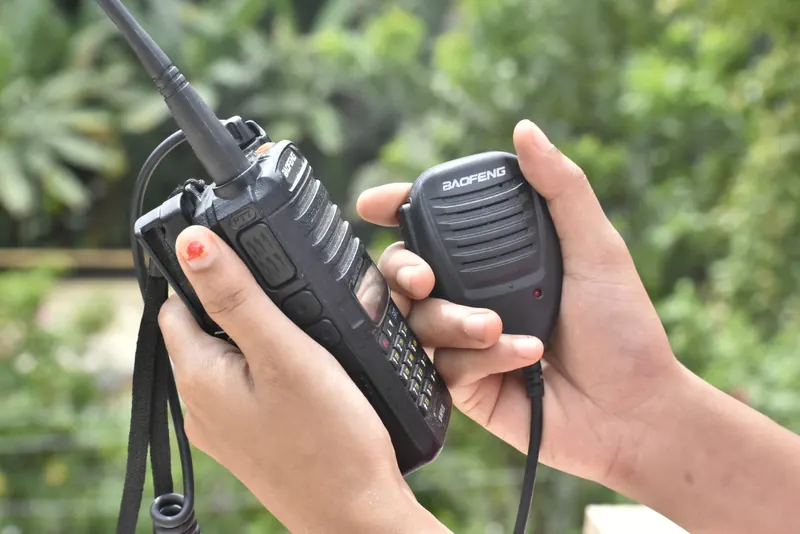
Radio and speaker-mic · photo: Bharathesha Alasandemajalu, CC BY-SA 4.0, Commons
Symptom
Most common cause
You can hear others, the repeater doesn’t respond to you
No tone or the wrong tone. Also check the offset isn’t set to +.
You hear nothing even though others are talking
Tone enabled on receive (TSQL, R-CTCS) or the squelch (SQL) set too high.
The repeater opens, but you’re breaking up
Signal too weak: move to a window or higher up, use full power, a better antenna than the rubber duck.
Works from VFO, but not from the channel
The channel was saved before setting the offset or tone. Delete it and save it again.
★
Can you hear the other station without the repeater? The REV key swaps receive and transmit, so you’re listening to the repeater input. If you can hear them, move to simplex, e.g. 145.500, and free the repeater for others.
Next step
Enter Wanda and call
145.750 MHz, offset −0.6, tone 127.3 Hz. Five minutes at the keyboard and you can make your first QSO via the Kawęczyn chimney.