
01
Huge coverage
A satellite “sees” an area several thousand kilometres across. From Warsaw you can work Portugal, Scandinavia or the Balkans — without ionospheric propagation.
Home / Curiosities / Satellite communication
Over our heads, at altitudes from a few hundred to almost 36,000 kilometres, a fleet of satellites built and maintained by radio amateurs themselves is in orbit. Each of them is a repeater in space: you send a signal up, the satellite immediately turns it back down to Earth — and suddenly, with a handheld beam antenna, you’re talking to a station thousands of kilometres away. Your first contact doesn’t require a fortune or a huge mast.
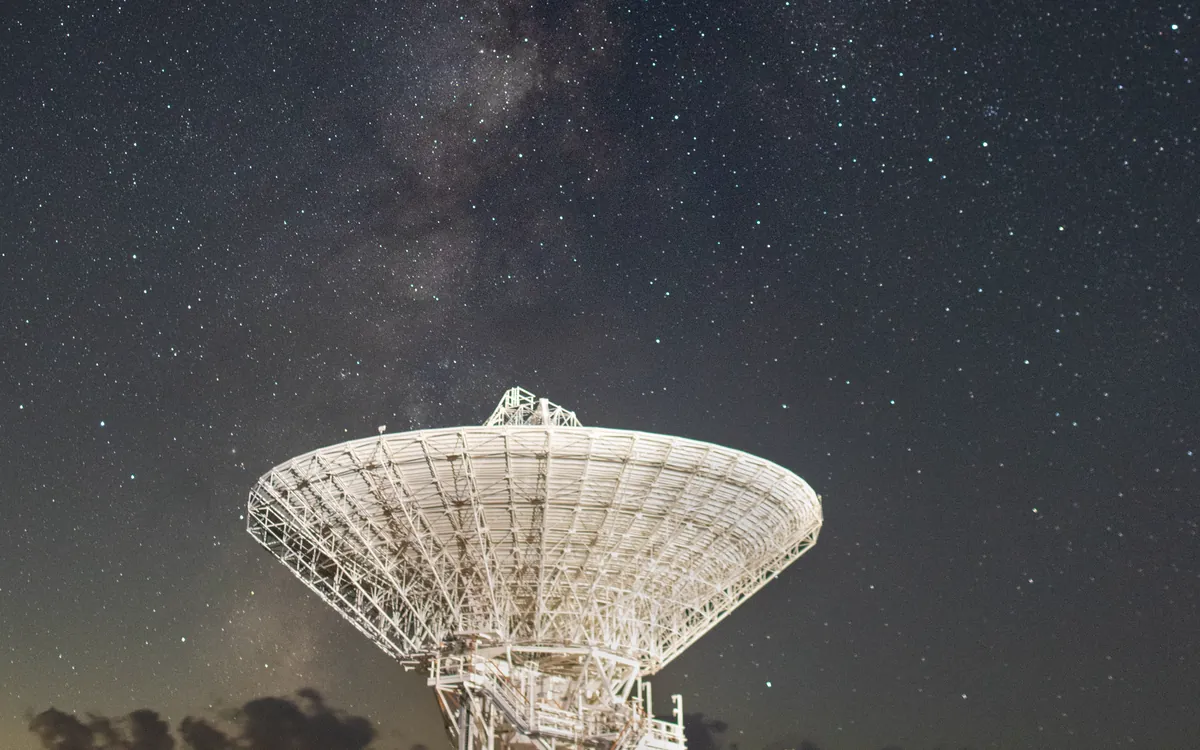
It works the same as a terrestrial repeater — only the “high point” is a satellite racing over the horizon at nearly 28,000 km/h. That speed and altitude give a range you’ll never achieve from the ground.
A satellite “sees” an area several thousand kilometres across. From Warsaw you can work Portugal, Scandinavia or the Balkans — without ionospheric propagation.
For the simple FM birds a dual‑band handheld and a handheld directional antenna are enough. The rest is knowledge: when and where to look in the sky.
A low satellite is in range for only 5–15 minutes per pass. It’s a sprint: you have to work quickly, efficiently and think on your feet — that’s why it’s so addictive.
Through the very same transponder as you, operators from across the continent are talking, and through the ISS you sometimes hear the astronauts themselves. It’s a tangible link to orbit.
Radio amateurs have been in space almost since the dawn of the satellite age — and they’re still there today.
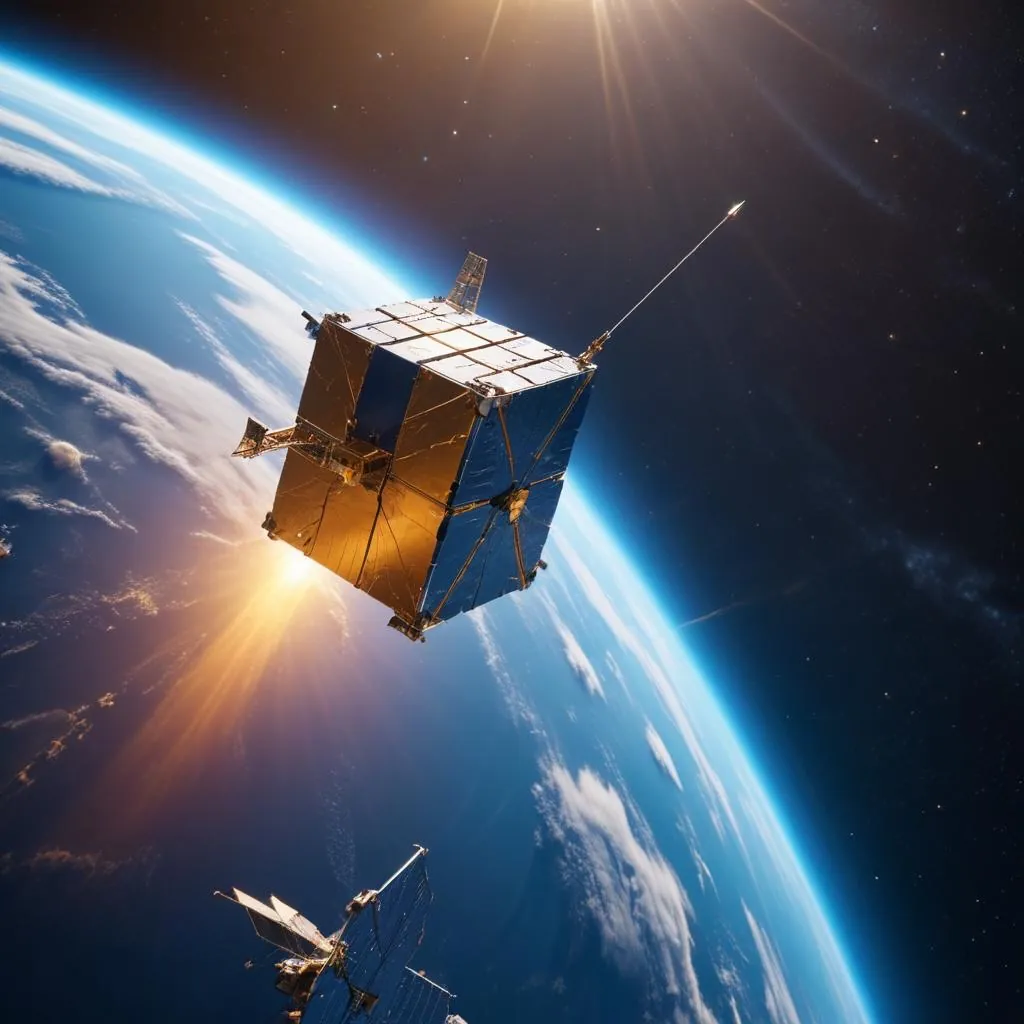
They differ by orbit, transponder type and difficulty. To start with, the “FM birds” and the ISS are best.
A flying FM repeater: one QSO at a time, like on a terrestrial repeater. Ideal for your first contact — a dual‑band handheld and a directional antenna will do. You just have to “shout over” the crowd, because the whole region picks the same transponder.
| Satellite | Downlink / Uplink |
|---|---|
| SO-50 | 435 MHz ↓ / 145 MHz ↑ · FM (tone 67.0) |
| ISS (FM repeater) | 437.800 ↓ / 145.990 ↑ · tone 67.0 |
| Transponder type | cross‑band U/V — listen on 70 cm, transmit on 2 m |
Instead of a single FM channel — a whole slice of spectrum that fits many QSOs at once in SSB and CW. Quieter, more civilised and further than FM, but you have to retune the receiver continuously to chase the drifting frequency (Doppler effect).
| Parameter | Value |
|---|---|
| RS-44 (downlink) | 435.610–435.670 MHz |
| RS-44 (uplink) | 145.935–145.995 MHz |
| Modes | SSB (USB) and CW · mode V/U |
The largest and brightest “satellite” in the sky. Besides the FM repeater it offers an APRS digipeater (position packets via space!) and occasional SSTV image transmissions, which you can receive even with a plain handheld and a phone with an app.
| Service | Frequency |
|---|---|
| FM repeater (voice) | 437.800 ↓ / 145.990 ↑ (tone 67.0) |
| APRS (packet) | 145.825 MHz · simplex |
| SSTV (images, occasionally) | 145.800 MHz · FM |
It stays fixed over Africa and is available 24 hours a day — from Brazil to Thailand. It doesn’t move, you don’t have to track it. The price of that convenience is microwave kit: a satellite dish, a 10 GHz converter and a 2.4 GHz transmit chain.
| Narrowband transponder | Frequency |
|---|---|
| Downlink (reception) | 10,489.55–10,489.80 MHz (13 cm ↦ 3 cm) |
| Uplink (transmitting) | 2,400.05–2,400.30 MHz (13 cm) |
| Modes | SSB · CW · narrowband digital |
Shorthand on frequencies: ↓ downlink is the signal from the satellite to you (you listen), ↑ uplink is your signal up (you transmit). Mode U/V means uplink on UHF (70 cm) and downlink on VHF (2 m); V/U — the other way round. Always check current, exact frequencies and satellite status in the AMSAT listings — they are sometimes switched off and back on.
Three ideas are enough to understand why satellite contacts work the way they do: cross-band, the Doppler effect and the pass window.
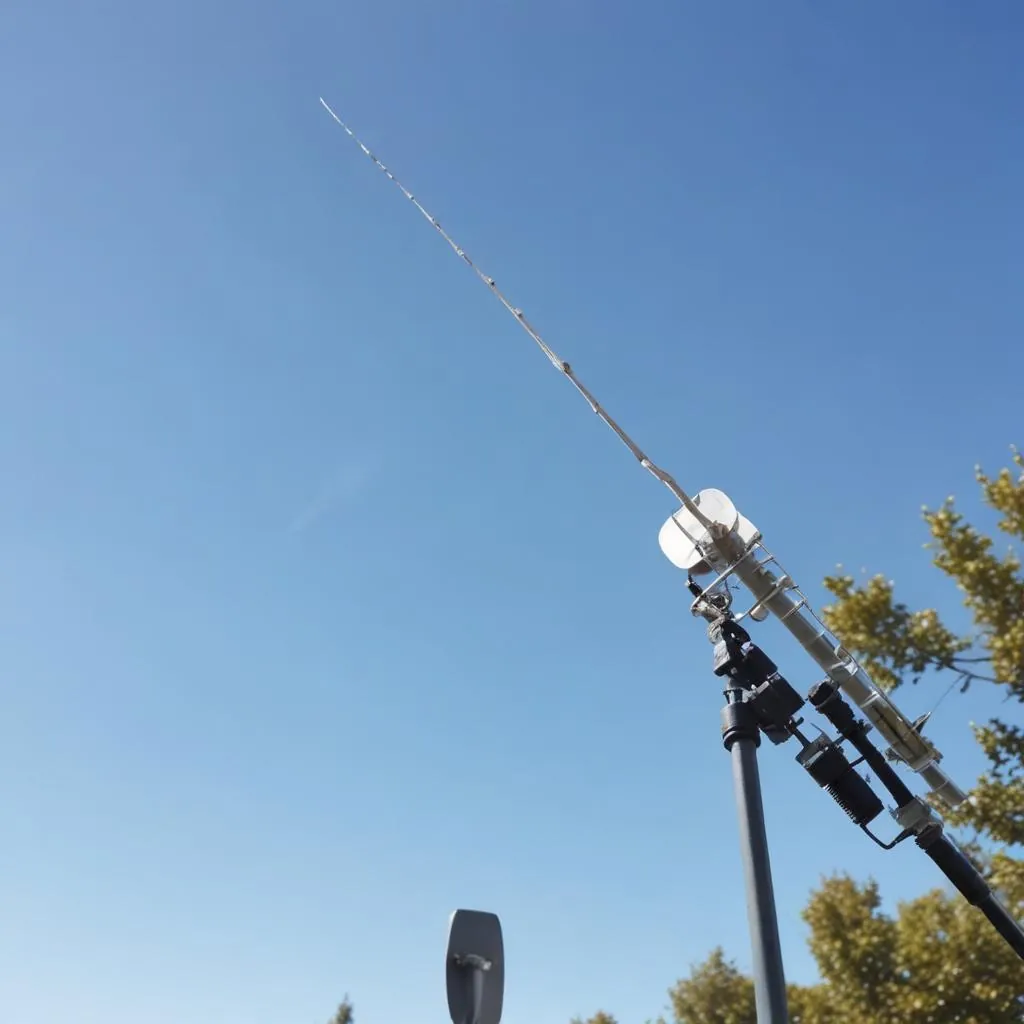
Golden rule: correct Doppler primarily on the uplink (where you transmit), and trim the downlink by ear, ‘chasing’ your own signal. In practice you set a few memory pairs in the radio, or hand control over to the tracking program — and you focus on the conversation.
The barrier to entry is surprisingly low. You only expand later — and only if you catch the bug.
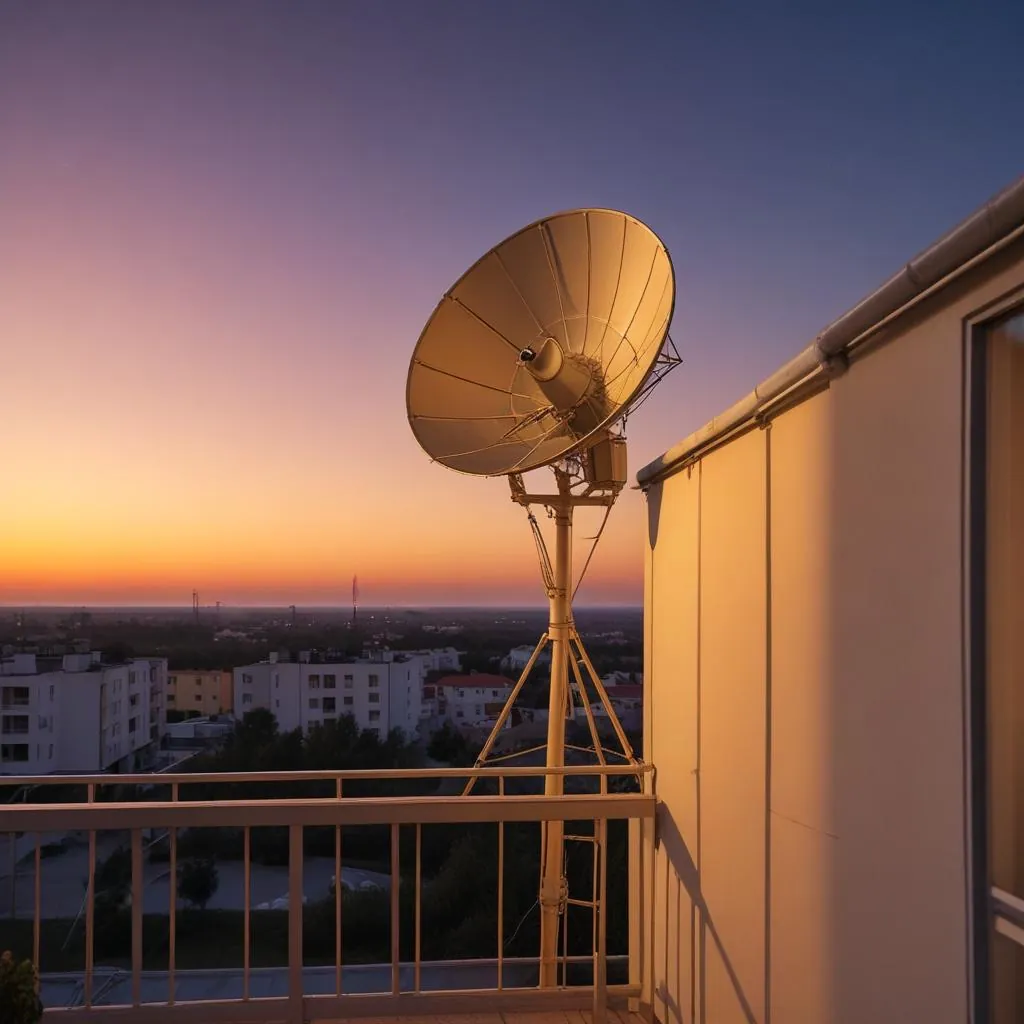
Before you buy anything, you can listen. The QO-100 downlink is available via online WebSDR receivers — open a page in your browser and hear live QSOs from across a whole hemisphere. You can receive LEO satellites with an ordinary handheld and the antenna pointed at the sky, even just as a trial.
For listening you don’t need any licence. Only transmitting requires an operator’s certificate and a radio licence (exam at UKE — the Polish Office of Electronic Communications) — more below.
A LEO satellite is over you only briefly and a few times a day. You need to know when and which part of the sky to look at — luckily software does this for us.
Worth knowing: SatNOGS is a global, open network of amateur ground stations that automatically listen to satellites and share recordings. Without your own antenna, you can use it to see and hear what satellites ‘transmit’ over different points on Earth.
The easiest way is to start with an FM satellite or the ISS repeater. Here’s the whole run — from plan to ‘73’.
Start with an FM satellite (e.g. SO-50) or the FM repeater on the ISS. One channel, one QSO at a time — the fewest things that can go wrong.
In the app, check the next high pass over your QTH: the time, the direction of rise and set, and the maximum elevation.
“tomorrow 20:14, from NW to SE, elevation 62°”Load the uplink/downlink frequencies with Doppler correction (a few memory pairs) and the correct CTCSS tone. Enable satellite mode / full duplex so you can hear yourself on the downlink.
Aim the antenna at the rising satellite and tune the downlink until you hear your own voice in it. That means you’re getting through the transponder — you’re in space.
On a crowded FM pass the QSO is a rapid exchange: callsign and locator. No chit-chat — there’s a queue waiting and the window is closing.
“SQ5CBA, KO02, who’s copying?”Confirm the other station’s callsign and your locator, get theirs — and clear the frequency for the next stations. QSO complete!
“thanks for the sat, 73! SQ5CBA”Tip: for the first time it’s easiest to work just by monitoring your own signal by ear, and to hold the antenna in your hand and slowly rotate it, hunting for the strongest spot. Record the downlink with your phone — after the pass you’ll calmly pick out the callsigns you missed live.
Amateur satellites aren’t only about voice QSOs — there’s a whole world of experiments here.
Via the digipeater on the ISS (145.825 MHz) you can send a position packet that is digipeated from orbit and reaches the terrestrial network. Your track on the map — via satellite.
The ISS periodically transmits pictures on 145.800 MHz using slow-scan TV (SSTV). You can receive them with a handheld and a phone app, and there are often certificates for received images.
This isn’t an amateur band, but a related pastime: around 137 MHz you can receive cloud images from NOAA and Meteor weather satellites on receive only. Great tracking practice.
Dozens of student satellites transmit data about their status. By receiving and reporting it you genuinely help the mission teams — citizen science straight from orbit.
Anyone can listen to satellites — straight away, with no formalities. To transmit (including via satellite), you need an operator’s certificate and a radio licence from the exam at UKE (the Polish Office of Electronic Communications). Start with listening and learning the code — CW will come in handy on weak signals from orbit.