Home  /  Guide  /  WebSDR and KiwiSDR

Guide · listening without a radio

WebSDR and KiwiSDR:
listen to the bands without a radio

WebSDR and KiwiSDR are shortwave receivers in your browser. You don’t need your own radio or a radio licence to listen: article 145(1) of the Electronic Communications Law (Prawo komunikacji elektronicznej) states that using equipment intended solely for reception does not require a licence. At the time of checking on 14.10.2026 websdr.org showed 143 servers and 1,895 listeners (these numbers change from minute to minute), and there were 881 public KiwiSDRs. On this page you’ll find a list of receivers near Warsaw and a live NCDXF beacon indicator.

no licence HF and lower bands 12 receivers in and around Poland live beacons
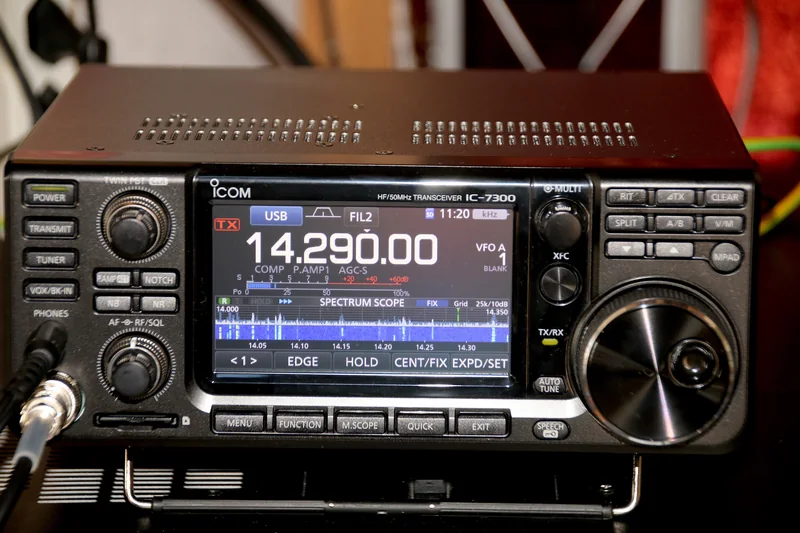
Front panel of an HF transceiver with a touch screen showing the frequency 14.290 MHz and the spectrum and waterfall of signals on the 20 m band. Spectrum and waterfall on a radio’s screen · photo: Hp.Baumeler, CC BY-SA 4.0, cropped
How it works

Someone else’s antenna, your headphones

The antenna and SDR sit at someone’s place somewhere in the world, and a server feeds the signal to your browser. There can be many listeners; each tunes independently and may hear a different signal.

How a WebSDR receiver works A shortwave antenna feeds a signal to an SDR, which digitises the received frequency span. The server computes a waterfall and, for each listener separately, demodulates the selected frequency. Over the internet it reaches browsers: each listener tunes independently — for example one listens to FT8 on 7.074 MHz, another to SSB on 20 m, a third to CW on 80 m. at the receiver owner’sat your end HF antennae.g. on a roof SDR receiverprocesses digitallythe received span(A/D converter) WebSDR serverwaterfall for allseparate demodulationfor each listener internet listener A · 7.074 MHzFT8 · 40 m listener B · 14.200 MHzSSB · 20 m listener C · 3.560 MHzCW · 80 m Each listener gets their own audio. Changing frequency for one does not affect the others.

← swipe sideways →

One receiver, many listeners. The SDR digitises the received frequency span (at Twente the whole of shortwave), and the server, for each listener separately, slices out and demodulates the selected frequency. In WebSDR the listener tunes within the ranges the owner has made available, while a KiwiSDR serves at most 8 simultaneous listeners.

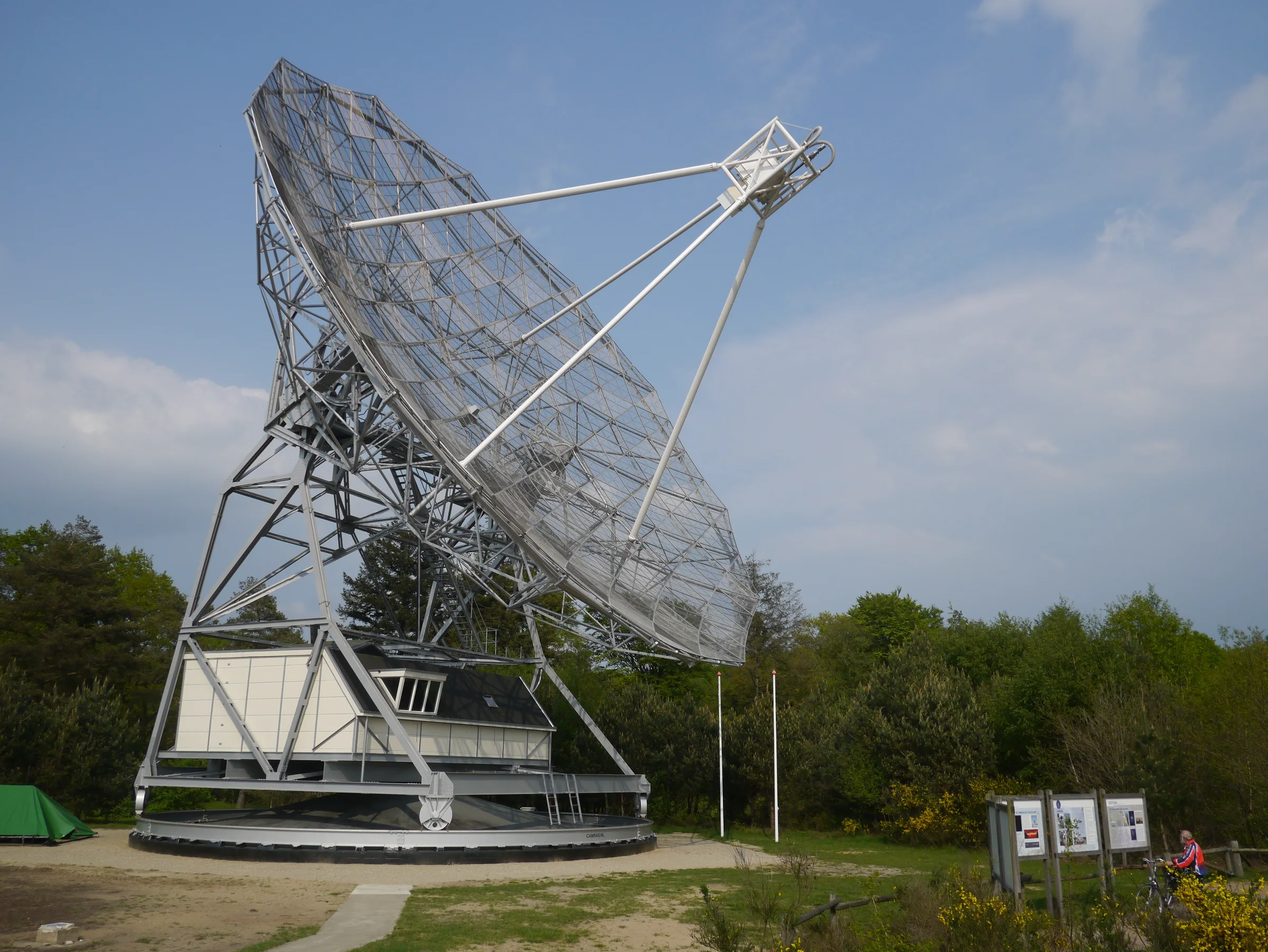
WebSDR was created so that many radio amateurs could receive EME on the 25 m radio telescope at Dwingeloo. The program was written by PA3FWM, Pieter‑Tjerk. For a test without the dish, he set up a shortwave receiver at the ETGD club at the University of Twente. On Christmas Eve 2007 the first experimental version went live, still as a recording and not yet public. Live reception followed a few days later. The public announcement came in April 2008. In November 2008 a beta started with several selected stations.

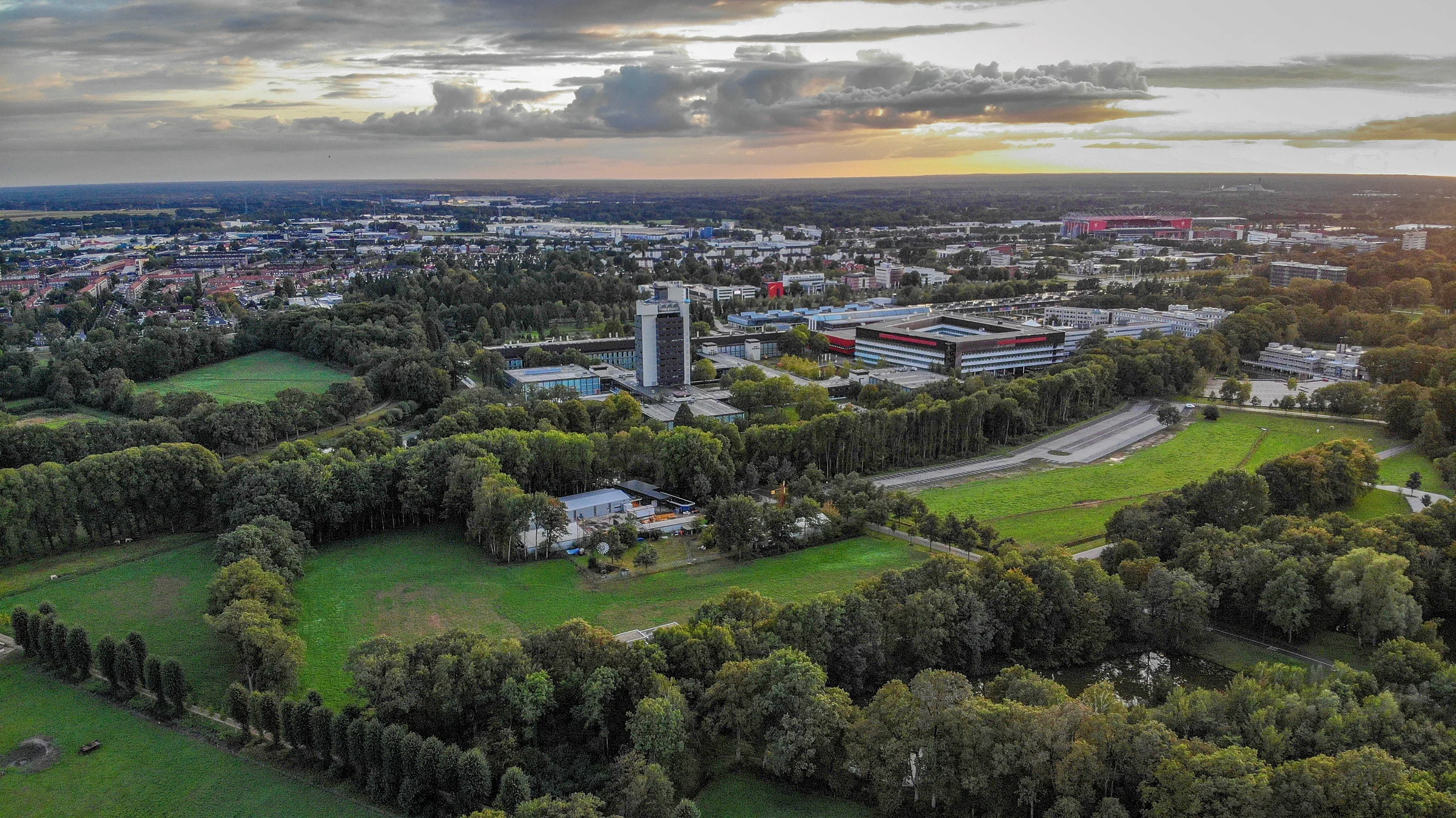
The Twente receiver runs at the ETGD club in Enschede (locator JO32KF) and was the first WebSDR in the world. It covers, without gaps, the range from 0 to about 29.16 MHz. The antenna is a Mini-Whip, a variant of PA0RDT’s design. It stands on the roof of a 20 m tall building. When checked on 14.10.2026 there were 492 listeners there.

KiwiSDR was designed by John Seamons, ZL4VO/KF6VO. The README states a range of 10 kHz to 30 MHz, a 14-bit converter at 65 MHz and a software GPS receiver. The upper limit can be raised to 32 MHz, but above 30 MHz aliases increase. Up to 8 people can listen in the browser at once, each on their own frequency. The owner can make only part of the channels public. Older descriptions mentioned 4 channels. Several Kiwis, time‑synchronised with GPS, can roughly locate a transmitter using the TDoA method. DCF77 on 77.5 kHz has been located this way with good accuracy. In the evenings in Europe, powerful HF broadcast transmitters can overdrive the converter.

OpenWebRX was written by András Retzler, HA7ILM. It is an SDR receiver program in the browser: multiple users at once, each can listen to a different frequency, with certain limits. Development of the original stopped on 29.12.2019. The continuation is maintained by Jakob Ketterl. The KiwiSDR interface was built on OpenWebRX. OpenWebRX+ is a fork of that continuation. It is maintained by Marat Fayzullin, and the README calls it an improved version.
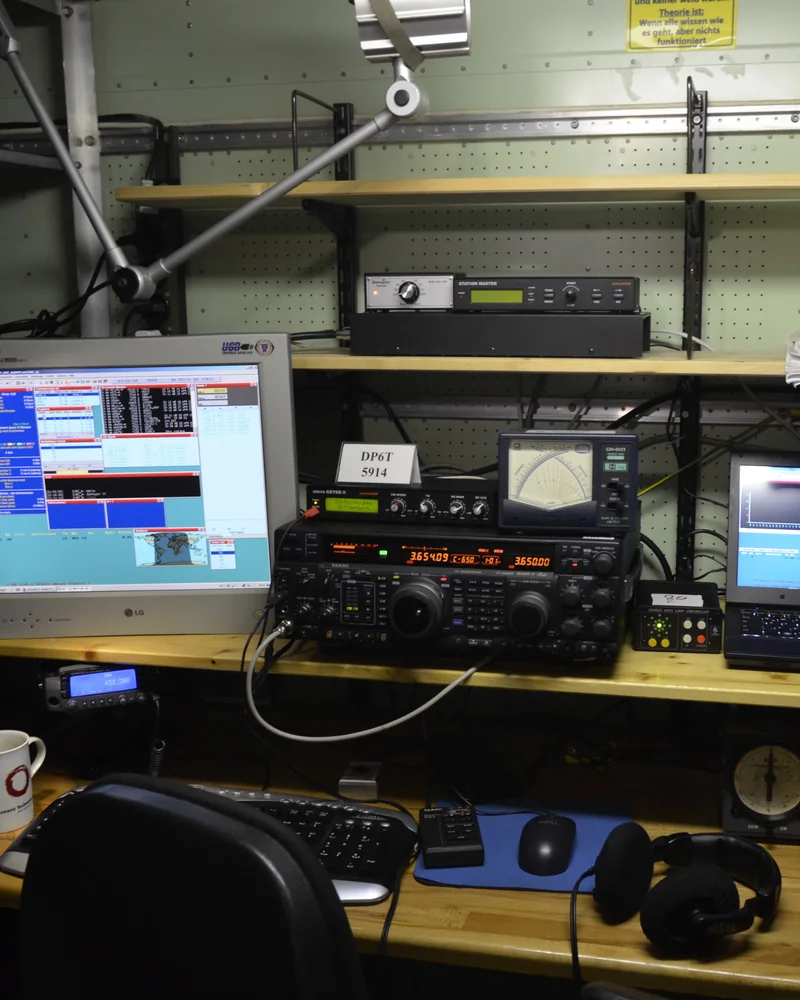
Amateur radio operating position: a transceiver on a shelf, a monitor and a laptop with software for making contacts, and on the desk a keyboard and headphones. Contest operating position at a club amateur radio station · photo: Ptolusque, CC BY-SA 4.0, cropped
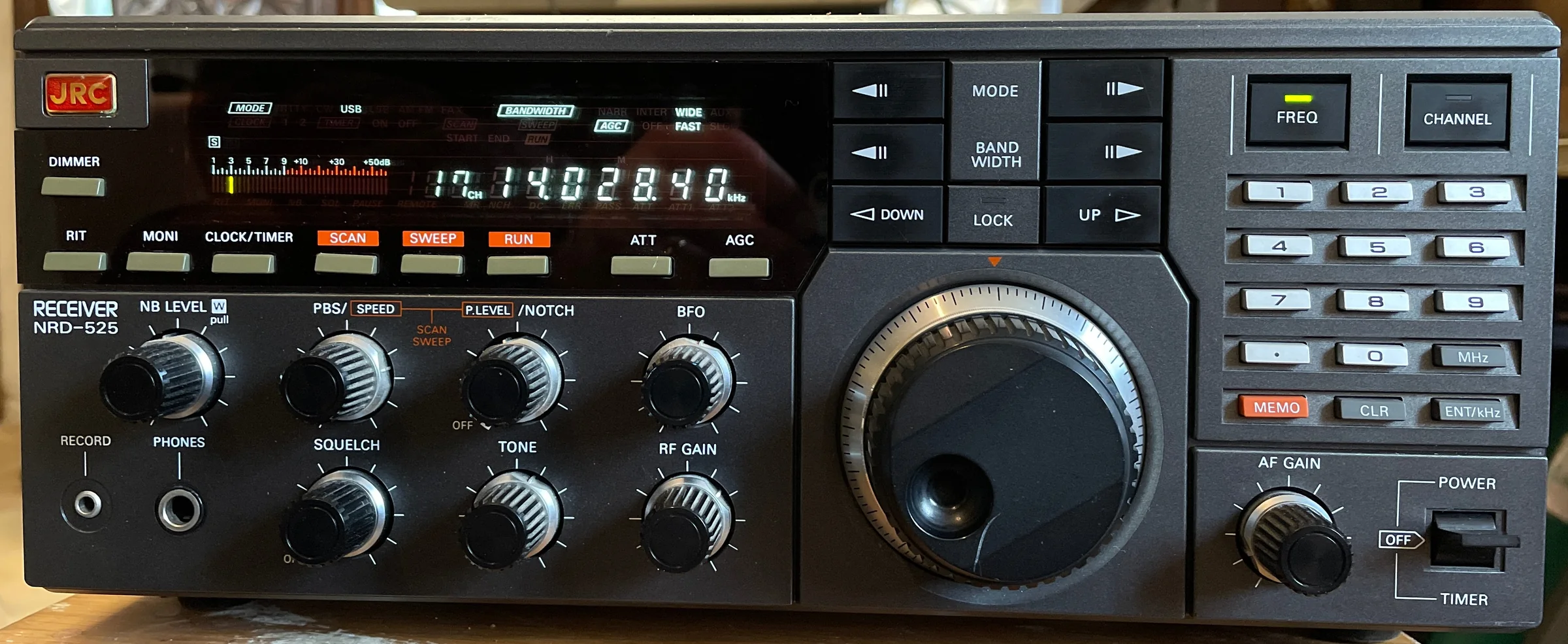
Front panel of a communications receiver with a frequency display, a large tuning knob, rotary controls and a numeric keypad.
Classic shortwave communications receiver · photo: Fil22plm, CC BY-SA 4.0
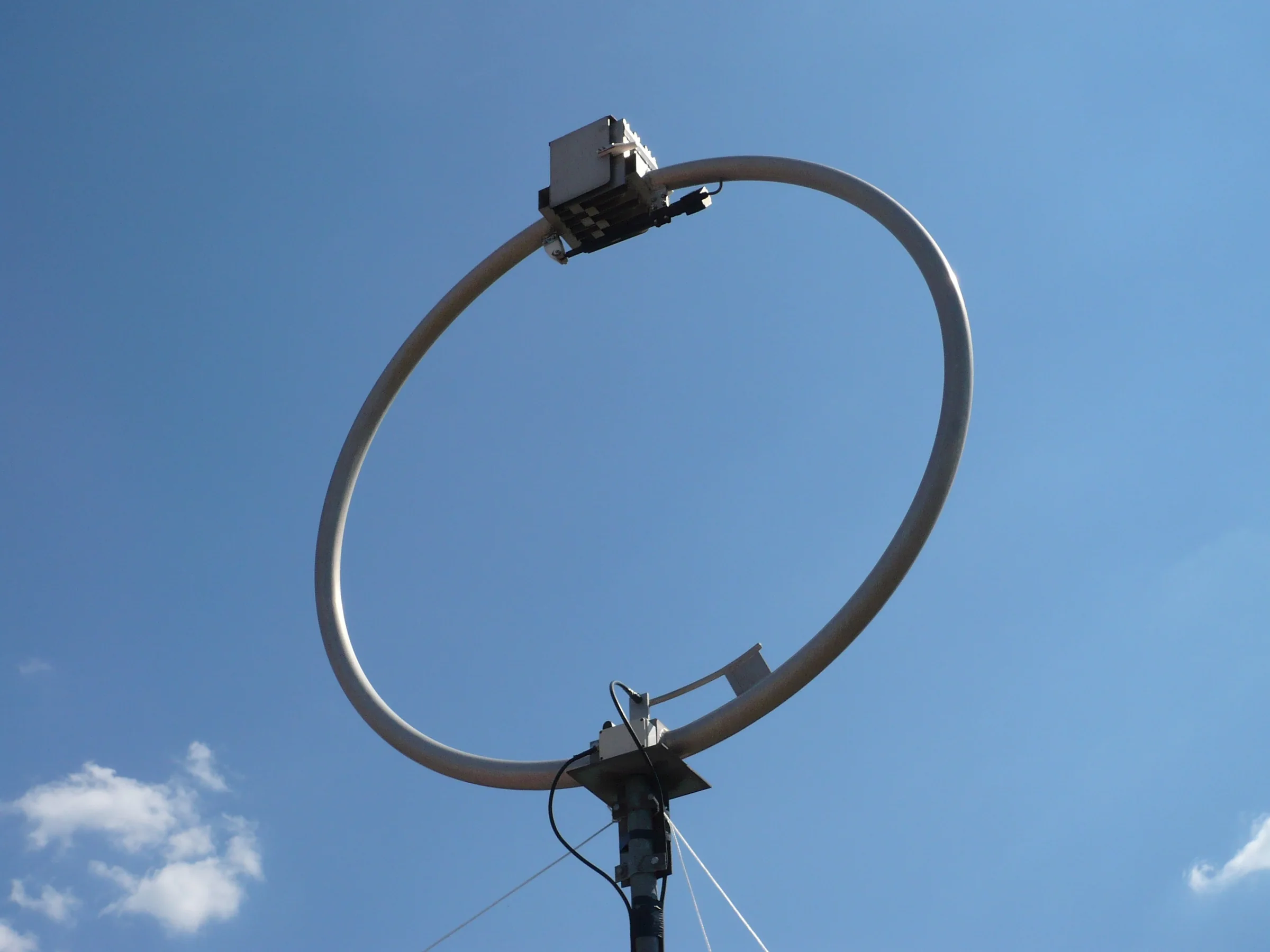
A circular loop antenna made from aluminium tube on a guyed mast, set against a blue sky.
Shortwave loop antenna · photo: Trixt, CC BY-SA 3.0
A large open-mesh radio telescope dish on a steel structure with a building at the base, surrounded by trees.
The radio telescope at Dwingeloo in the Netherlands · photo: Baykedevries, CC BY-SA 4.0
Aerial view of a green university campus with buildings among trees and a city in the background at sunset.
The University of Twente campus in Enschede – this is where the oldest WebSDR runs · photo: Jessicajoins, CC BY-SA 4.0
Checked 14.10.2026

Receivers useful when listening from Poland

I have selected receivers useful when listening from Poland; on 14.10.2026 I verified that their pages were responding. The straight‑line distance is computed by your browser, by default from the centre of Warsaw, and links open in a new tab. Full lists are at websdr.org and rx.kiwisdr.com.

Distances measured from: centre of Warsaw
To begin with

What to listen to

To start, listen to FT8, CW and phone according to the band plan, and the time signals.

7.0007.0507.1007.1507.200 MHz
CWSSBAMFT8
This is what a waterfall looks like in an online receiver. Time flows downwards, and each vertical trace is a different signal: thin lines are CW, wider traces are SSB phone, the row of short blocks is FT8. This is a schematic animation, not to scale in frequency or time.

You’ll find FT8 on WSJT‑X default frequencies. On 40 m that’s 7.074 MHz, on 20 m 14.074 MHz. These are dial frequencies in USB. The actual signals lie up to 3 kHz above that frequency. Other FT8 defaults on HF include 1.840 MHz, 3.573 MHz, 10.136 MHz, 18.100 MHz, 21.074 MHz, 24.915 MHz and 28.074 MHz.

Set CW and SSB according to the IARU Region 1 band plan, in force since 16.10.2020. On 40 m the band plan provides 7.000 to 7.040 MHz for CW, with signals up to 200 Hz wide, and 7.030 MHz is the QRP CW centre. From 7.060 to 7.100 MHz all modes up to 2,700 Hz are permitted, with the QRP SSB centre at 7.090 MHz. On 20 m the CW segment is 14.000 to 14.060 MHz, with the QRP CW centre at 14.060 MHz. From 14.125 to 14.300 MHz all modes up to 2,700 Hz are permitted, with the QRP SSB centre at 14.285 MHz. CW QSOs are permitted across all bands, except the beacon segments (on 20 m: 14.099 to 14.101 MHz).

DCF77 transmits on 77.5 kHz from Mainflingen, about 25 km south‑east of Frankfurt. The carrier is derived from the PTB atomic clock. RWM from Moscow operates simultaneously on 4,996 kHz, 9,996 kHz and 14,996 kHz at 10 kW, with maintenance outages on selected Wednesdays. WWV near Fort Collins, about 100 km north of Denver, transmits on 2.5 MHz, 5 MHz, 10 MHz, 15 MHz and 20 MHz (10,000 W on 5 MHz, 10 MHz and 15 MHz, 2,500 W on 2.5 MHz and 20 MHz). DRM has a bandwidth of 9 or 10 kHz. WebSDR won’t decode it because only a narrower passband is sent to the browser. KiwiSDR has a built‑in DRM decoder. OpenWebRX+ also claims DRM support.

Live schedule · every 10 seconds

NCDXF beacons: who should be transmitting now

The NCDXF/IARU beacons are 18 stations: each, every 3 minutes on each band, transmits for 10 s, the callsign at 22 words per minute and the first dash at 100 W, with the next three dashes at 10 W, 1 W and 100 mW. This lets you hear from which direction a band is open.

According to your device’s clock--:--:-- UTC

The indicator shows the schedule, not whether a given transmitter is actually on the air, and it is accurate only if your device’s clock is accurate. The ‘listen’ link opens the Twente WebSDR on the beacon frequency in CW mode.

Law and good practice

Listening is allowed, use your head

What the law says

Reception does not require a licence. Article 145(1) of the Electronic Communications Law (Prawo komunikacji elektronicznej; ustawa z 12 lipca 2024 r., Dz.U. 2024 poz. 1221) provides that using radio equipment intended exclusively for reception does not require a licence. Article 387(3) imposes confidentiality: a person who, using radio or terminal equipment, has become acquainted with an electronic communication not intended for them must observe the secrecy of electronic communications. The provision concerns equipment intended exclusively for reception; when listening via a WebSDR you are using someone else’s receiver over the internet, so all the more you are not transmitting anything.

Test your own signal

If you have a licence, a remote receiver lets you check your own signal: while transmitting you listen to yourself on a WebSDR or KiwiSDR a few hundred kilometres away, or you record the reception and play it back later. Transmitting on the amateur bands requires a radio licence. Remember that audio in the browser arrives with a delay.

Good manners

  • The time limit on a KiwiSDR is set by the owner, so it may differ on each receiver.
  • There aren’t many slots on a KiwiSDR, at most eight. Free up the slot when you’re not listening.
  • Don’t leave a receiver tab open if you’re not using it.
  • Thank the receiver’s owner. Keeping an aerial and a server running costs money.
Sources

Where this information comes from

  1. Pieter-Tjerk PA3FWM: WebSDR, history and how it works · websdr.org
  2. University of Twente WebSDR (ETGD) · websdr.ewi.utwente.nl
  3. KiwiSDR: README, FAQ and the list of public receivers · kiwisdr.com, rx.kiwisdr.com
  4. OpenWebRX (J. Ketterl) and OpenWebRX+ · openwebrx.de
  5. NCDXF/IARU International Beacon Project · www.ncdxf.org
  6. IARU Region 1 HF band plan (from 16.10.2020) · www.iaru-r1.org
  7. WSJT‑X: default FT8 frequencies · wsjt.sourceforge.io
  8. PTB (DCF77), NIST (WWV), VNIIFTRI (RWM): descriptions of time‑signal transmitters · www.ptb.de, www.nist.gov
  9. Electronic Communications Law of 12.07.2024 (Prawo komunikacji elektronicznej; Dz.U. 2024 poz. 1221), Articles 138, 145 and 387 · isap.sejm.gov.pl
Next step

Switch the receiver on in the evening

In the evening tune to 40 m or 80 m and see what you can hear. Then have a look at the HF guide and the propagation conditions.